
How Geojenga Verifies Every Worker on Site
Short answer: Every Geojenga check-in is confirmed by a one-time code sent by SMS to the worker’s own phone. The check-in is recorded with its time, the contractor sees it live, and the day’s wage is calculated only when the worker checks out.
Step by step
- The worker is registered once on the project’s muster roll with their name, ID, phone number, job title, daily rate and overtime rate.
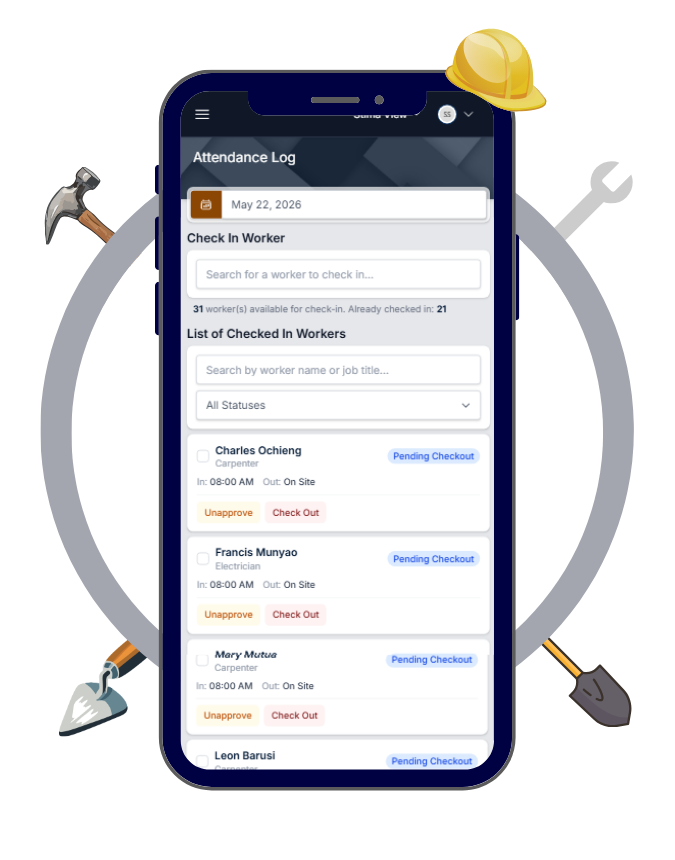
- At the start of the day, the site agent searches for the worker in Geojenga.
- Geojenga sends a one-time code by SMS to that worker’s own phone. Any basic phone works.
- The code is entered to complete the check-in. Geojenga records the time.
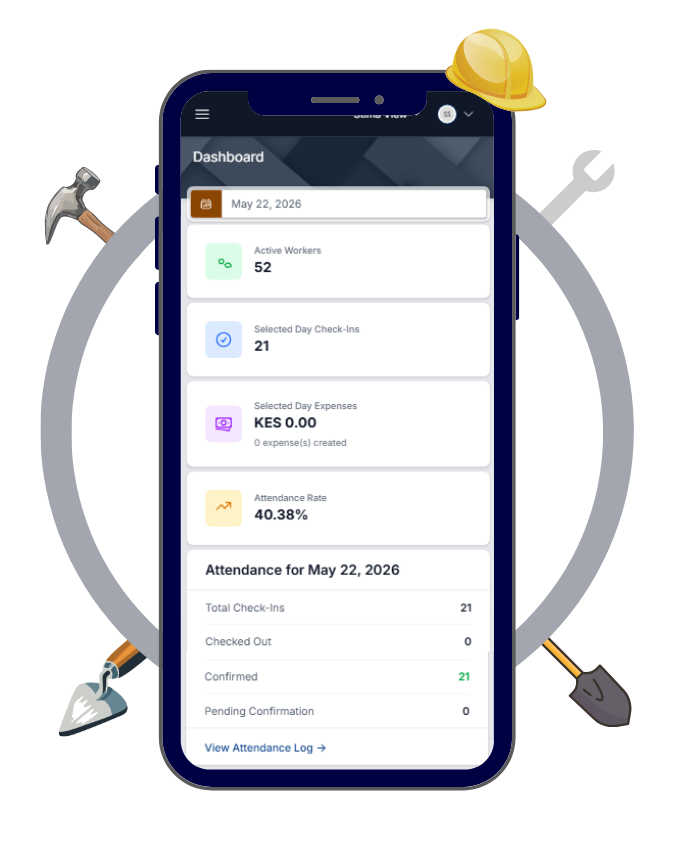
- The contractor and owner see the check-in live on their account, from anywhere.
- At the end of the day the worker checks out, and the day’s wage, including any overtime, is calculated automatically.
Why this works
- A name with no real person and phone behind it cannot receive the code, so ghost workers cannot be checked in.
- The code goes to the worker’s own phone, so a friend cannot sign in for them.
- Times are recorded at check-in and check-out, not written in later.
See Geojenga on your own site
Book a free demo and we will set up one of your projects with you. Geojenga starts from KES 3,750 a month per project.
Frequently asked questions
What is OTP check-in?
OTP means one-time password. Geojenga sends a one-time code by SMS to the worker’s own phone, and the check-in only completes with that code.
Does the contractor get a notification for every check-in?
No. Check-ins appear live on the contractor’s account in real time, without a separate notification for each one.
Does it work without a smartphone?
Yes. The code is sent by SMS to any basic phone.
Related: Construction attendance software · How to stop ghost workers · Geojenga vs biometric machines · Construction payroll software